concepts
Workspaces
The top-level container for projects, members, and access control.
A workspace is the top-level scope in Glyph. It groups projects, members, invitations, and roles. Everything you do happens inside a workspace.
What's in a workspace
- Projects - Git repositories or local folders you've imported
- Members - users who can access this workspace, each with a role
- Pending invitations - outstanding invites by email or link
- Settings - name, description, default workspace flag
Documentation, code references, and comments are scoped to projects, which are scoped to workspaces. Two workspaces are fully isolated - a member of workspace A cannot see workspace B.
The default workspace
When the first user signs up, Glyph creates a default workspace named after them (e.g. riyesan's workspace). The user is automatically the admin of this workspace.
The default workspace is what most solo users will only ever need. Workspaces become useful when you collaborate or want to separate contexts.
When to create more workspaces
Use multiple workspaces when you want hard separation between contexts:
- Per company - your day-job projects vs. side projects
- Per client - agency setups where each client's repos shouldn't mix
- Per team - engineering vs. design vs. ops, each with their own member list
Within a single workspace, projects can already be organized loosely by name. Don't create a new workspace just to group projects - only when access control requires it.
Creating a workspace
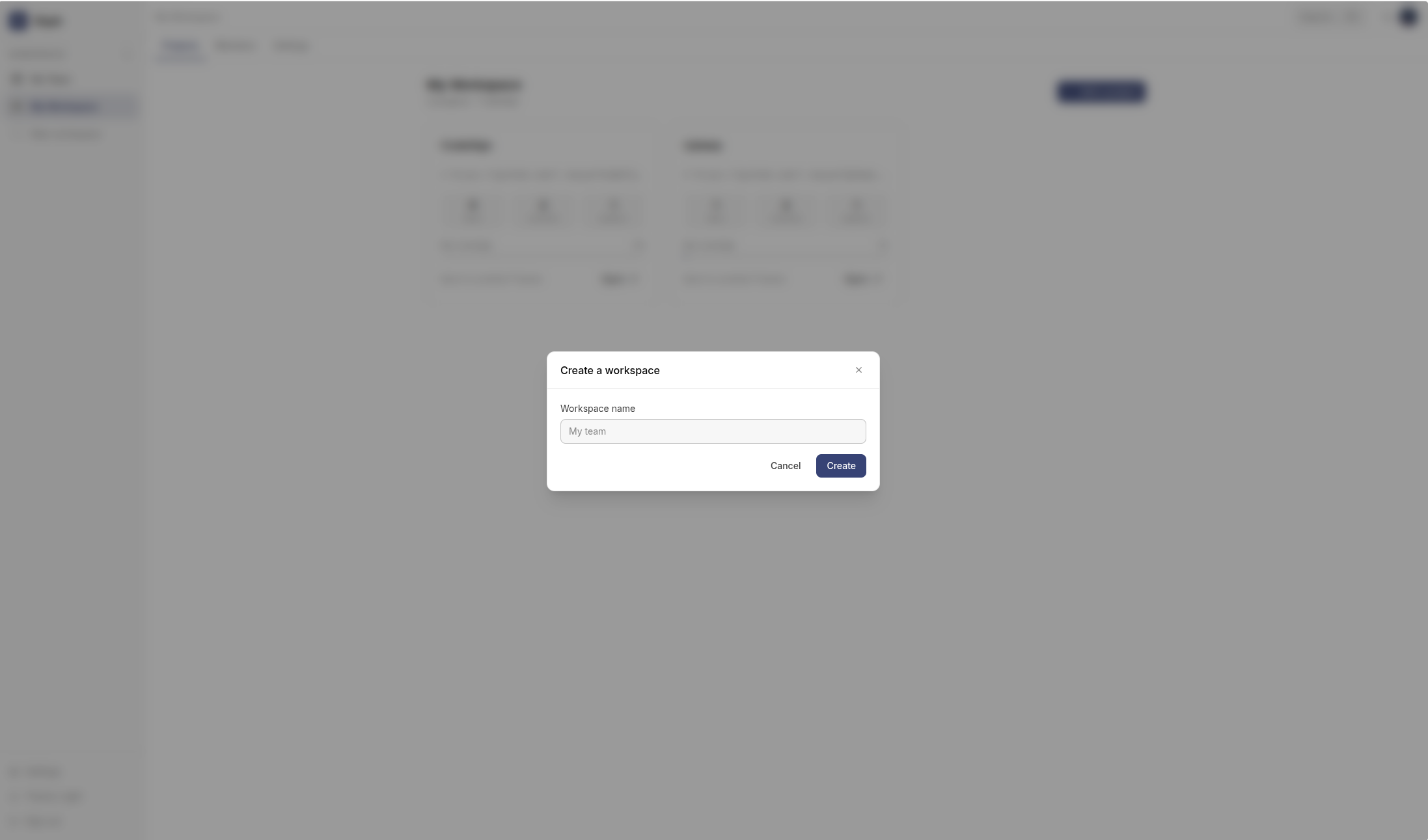
From the dashboard, click Create a workspace in the workspace switcher (top left).
Provide a name and an optional description. You become the admin automatically.
Switching workspaces
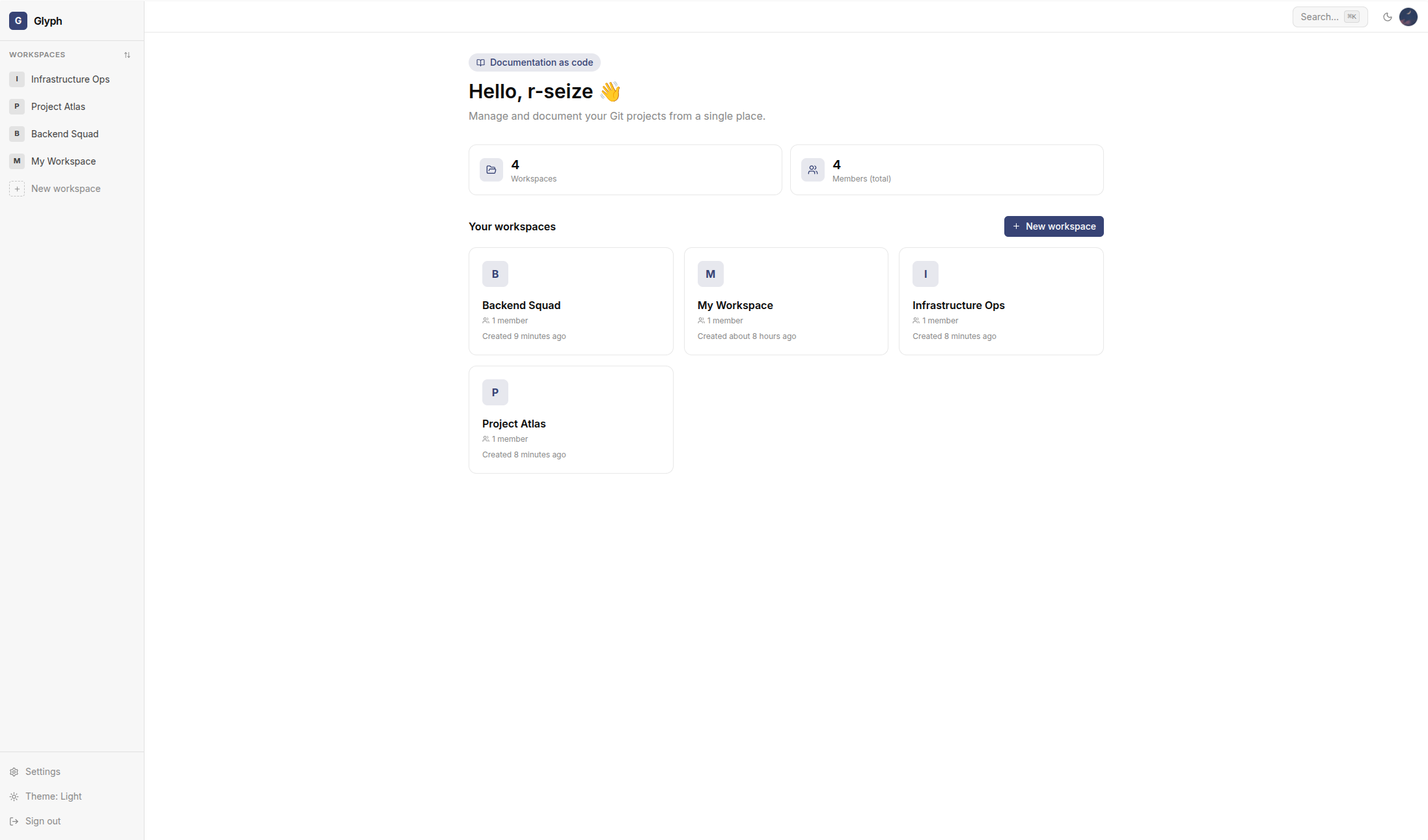
Click the workspace name in the top left to open the switcher. All workspaces you're a member of are listed.
The active workspace is reflected in the URL: /workspace/<workspace_id>/.... Bookmark a workspace dashboard URL to return to it directly.
Renaming or deleting
From Workspace settings (left nav inside a workspace):
- Rename - anyone with admin role
- Delete - only the workspace owner. This permanently removes all projects, documentation, and member associations.
Deleting a workspace is irreversible. Documentation, comments, and code references are not recoverable from a backup unless you've backed up the database.
Next
- Projects - the four import sources
- Members and roles - who can do what