getting started
Installation
Three ways to install Glyph - pick the one that fits your workflow.
Glyph runs entirely in Docker. The setup is the same on macOS, Linux, and Windows.
Prerequisites
- Docker Engine 24+ and Docker Compose v2 (Docker Desktop bundles both)
- A few hundred MB of free disk space (more if you import large repositories)
That's it. No Node.js, Python, or database to install on the host.
Method 1 - One-line installer (fastest)
The installer downloads the compose file, generates secure random secrets, and starts Glyph in one command.
mkdir glyph && cd glyph
curl -fsSL https://raw.githubusercontent.com/r-seize/Glyph/main/install.sh | bash
Within ~1 minute, open http://localhost:3000 to create your first account.
The script:
- Downloads
docker-compose.prod.ymland.env.example - Generates strong random values for
SECRET_KEY,MYSQL_PASSWORD,MYSQL_ROOT_PASSWORD,MEILISEARCH_KEY - Writes a ready-to-use
.env - Runs
docker compose -f docker-compose.prod.yml up -d
Pipe-to-bash makes some sysadmins nervous. If you'd rather review the script first, view it on GitHub before running it.
Method 2 - Manual install with Docker Hub (recommended)
Same result as Method 1, with full visibility on each step.
1. Download the compose file and template env
mkdir glyph && cd glyph
curl -O https://raw.githubusercontent.com/r-seize/Glyph/main/docker-compose.prod.yml
curl -O https://raw.githubusercontent.com/r-seize/Glyph/main/.env.example
cp .env.example .env
2. Set the required values in .env
At minimum:
| Variable | What to set |
|---|---|
MYSQL_ROOT_PASSWORD | Any strong random string |
MYSQL_PASSWORD | Any strong random string |
SECRET_KEY | 64-character hex (see below) |
MEILISEARCH_KEY | Any strong random string |
Generate SECRET_KEY:
python3 -c "import secrets; print(secrets.token_hex(32))"See Environment Variables for the full list.
3. Start the stack
docker compose -f docker-compose.prod.yml up -dThe first start takes 1-2 minutes - Docker pulls images, MySQL initializes, the backend runs migrations, and Meilisearch boots.
Check progress:
docker compose -f docker-compose.prod.yml logs -fWhen all four containers report healthy, open http://localhost:3000.
The published Docker Hub images are:
Both are multi-architecture (linux/amd64, linux/arm64) and work on Intel/AMD servers, Apple Silicon, and Raspberry Pi.
Method 3 - GitHub Container Registry (alternative)
If you prefer GHCR over Docker Hub - same images, different registry. Use this variant of the compose file:
mkdir glyph && cd glyph
curl -O https://raw.githubusercontent.com/r-seize/Glyph/main/docker-compose.ghcr.yml
curl -O https://raw.githubusercontent.com/r-seize/Glyph/main/.env.example
cp .env.example .env
# Edit .env, then:
docker compose -f docker-compose.ghcr.yml up -d
Mirrors:
ghcr.io/r-seize/glyph-backendghcr.io/r-seize/glyph-frontend
GHCR pulls don't count against Docker Hub's rate limits, useful for CI environments.
Method 4 - Build from source (development)
Only needed if you want to modify the code or test unreleased changes.
git clone https://github.com/r-seize/Glyph.git
cd Glyph
cp .env.example .env
# Edit .env
docker compose up -d
docker-compose.yml (without .prod) builds the images locally instead of pulling them. The first build takes 3-5 minutes; subsequent builds are cached and faster.
Verifying the install
| Service | URL | Expected |
|---|---|---|
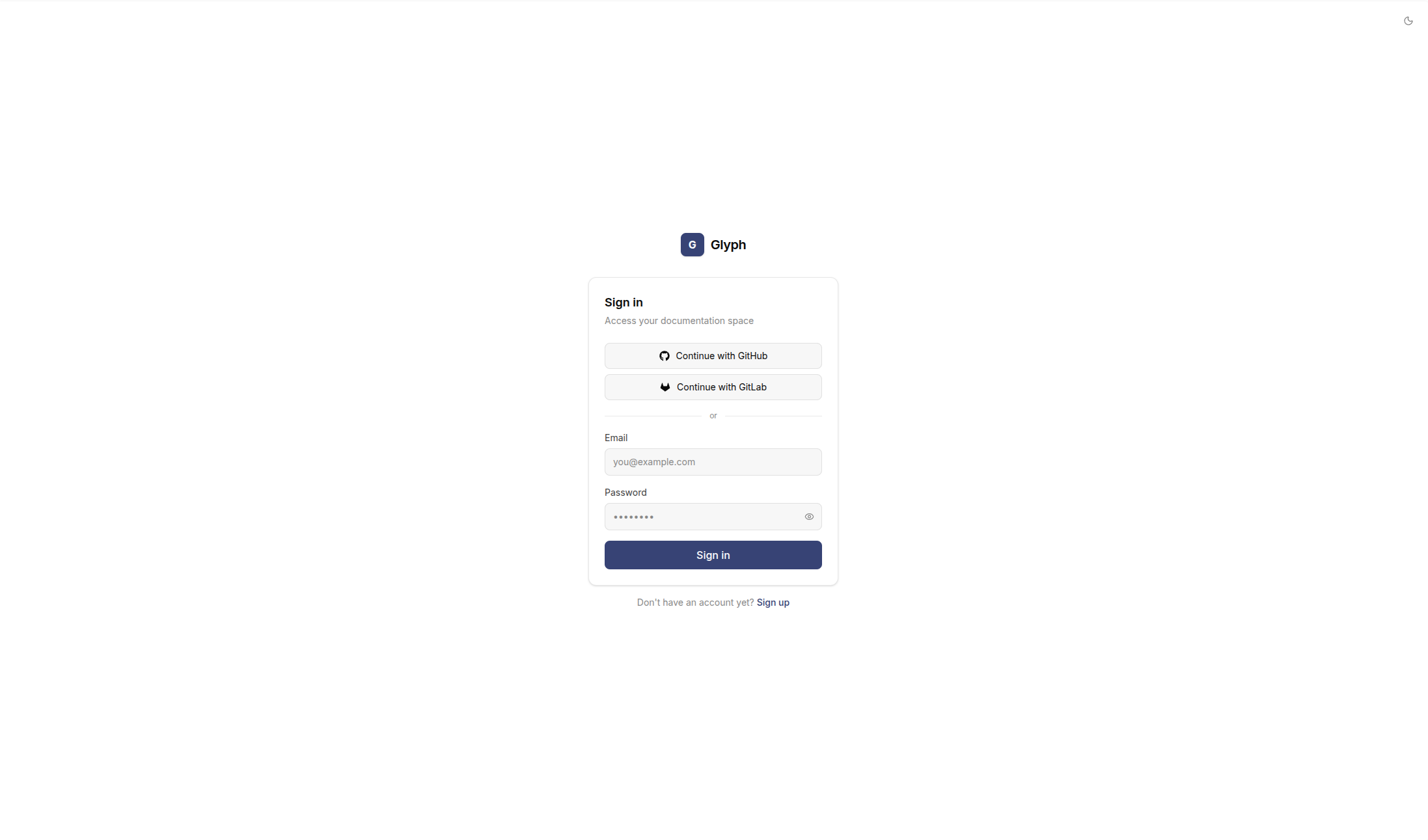
| Frontend | http://localhost:3000 | Sign-in page |
| Backend health | http://localhost:8000/health | {"status": "ok"} |
| Meilisearch | http://localhost:7700/health | {"status": "available"} |
If any of these fail, see Troubleshooting.
Stopping
docker compose -f docker-compose.prod.yml down       # stop containers, keep data
docker compose -f docker-compose.prod.yml down -v    # also wipe data (destructive)